
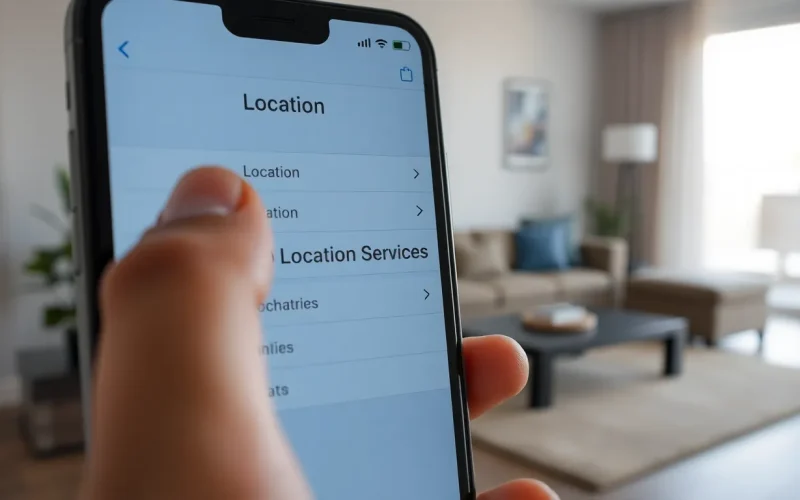
In a world where everyone seems to know where you are at all times, it’s time to reclaim your privacy. Whether it’s nosy friends or overzealous apps tracking your every move, hiding your location on an iPhone can feel like a digital game of hide and seek. But don’t worry—this isn’t a spy movie, and you won’t need a trench coat or dark sunglasses to pull it off.
Understanding Location Services on iPhone
Understanding location services on an iPhone is essential for managing privacy. Location services enable apps and features to determine the device’s geographical position.
What Are Location Services?
Location services utilize GPS, Wi-Fi, and cellular data to pinpoint devices’ locations. These services allow various apps, like maps or weather, to deliver personalized experiences. Users can enable or disable these services through settings. Apps commonly request access to location data to enhance functionality. iPhone users can find a list of apps utilizing location services in the Privacy settings. Adjusting these permissions helps protect specific location information.
Why People Want to Hide Their Location
Various reasons exist for wanting to hide one’s location. Privacy concerns often drive individuals to limit location sharing. Many users prefer not to share their whereabouts with friends or social media platforms. Some people seek protection from potential stalkers or unwanted attention. Additionally, hiding location can help individuals escape targeted advertising based on their geographical data. Security-conscious users wish to minimize the risk of being tracked for safety reasons.
Methods to Hide Location on iPhone
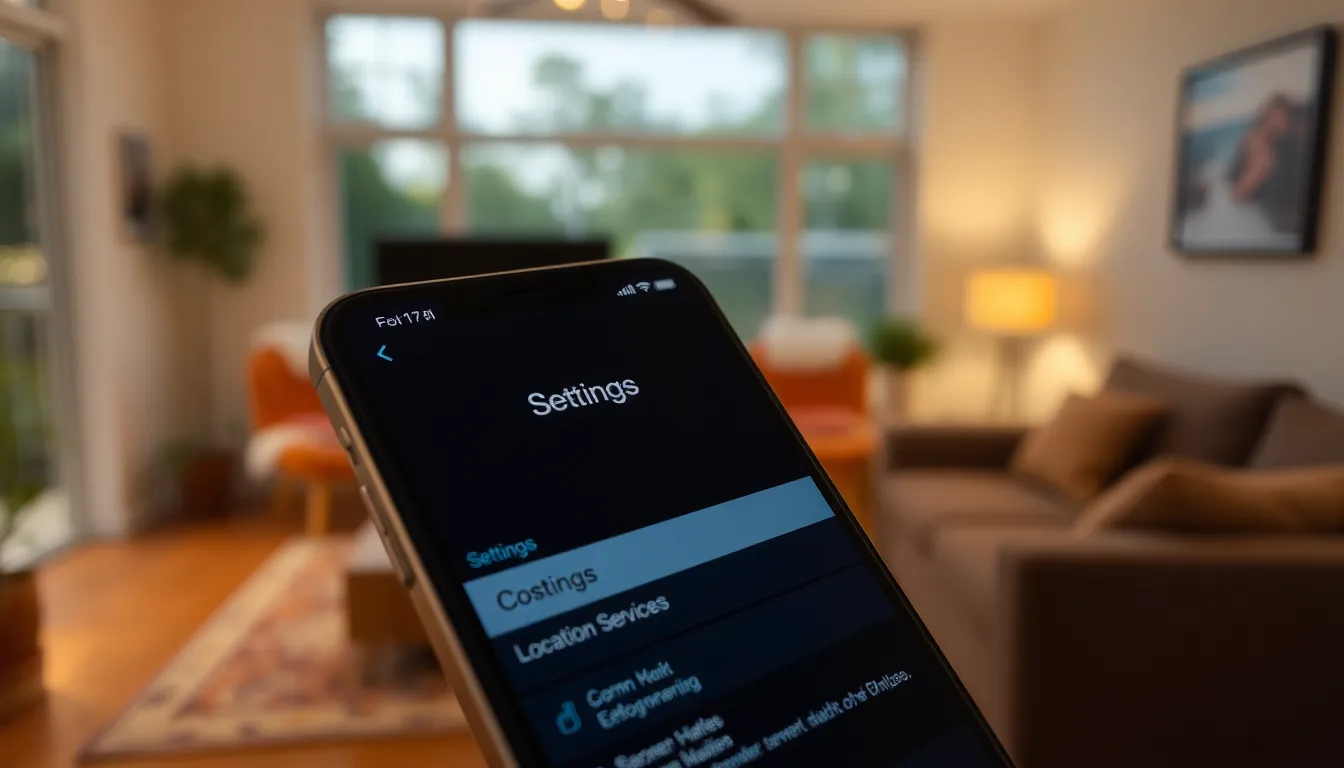
iPhone users can take several steps to conceal their location. These methods include adjusting location service settings and using airplane mode.
Turning Off Location Services
Turning off location services offers a straightforward way to hide one’s whereabouts. Navigate to Settings, then select Privacy, followed by Location Services. Toggle the switch off to disable all location tracking. This action prevents apps from accessing location data. Users can also customize settings for individual apps, allowing certain applications to remain active while others are blocked. To further enhance privacy, consider enabling “Share My Location” only with trusted contacts.
Using Airplane Mode
Using airplane mode serves as another effective method for hiding location. To activate, open Control Center and tap the airplane icon. This feature disconnects the phone from cellular networks and Wi-Fi, effectively disabling location services. When airplane mode is active, apps cannot track location data. However, enabling Wi-Fi after activating airplane mode allows users to stay connected while still preventing location sharing. Managing location visibility with this method provides an additional layer of privacy.
Using VPNs and Other Apps
VPNs and location spoofing apps offer effective solutions for hiding location on an iPhone. Users can enhance their privacy and secure their data by utilizing these tools.
Best VPNs for Location Hiding
Selecting a reputable VPN is crucial for effective location hiding. ExpressVPN stands out for its speed and strong encryption. NordVPN provides a vast server network with excellent security features. Surfshark offers unlimited device connections, making it great for multiple gadgets. CyberGhost combines user-friendly design with robust privacy protocols. Each of these VPNs allows users to mask their IP address, making it difficult for apps to track their location. Many of these services offer trial periods, enabling users to test functionality before committing to a subscription.
Location Spoofing Apps
Location spoofing apps allow users to simulate different geographical positions. Apps like Fake GPS Location offer straightforward interfaces for setting fake locations easily. Another popular choice, Dr.Fone, provides additional features like location teleportation, enhancing user experience. GPS JoyStick supports gaming applications by allowing players to set their personas’ locations. These apps often come with privacy settings, ensuring users control what data is shared with others. Each app has its specific setup process, but they all provide invaluable tools for protecting user location information.
Adjusting Privacy Settings
Managing location settings on an iPhone provides significant control over privacy. Users can customize which apps access their location data, effectively limiting unwanted tracking.
Managing Location Permissions
Location permissions determine which apps can access a user’s geographical position. To customize these settings, open the Settings app and navigate to Privacy, then select Location Services. Here, users can toggle location access for individual apps, granting access only to trusted applications. It’s essential to frequently review and modify these permissions to ensure that only necessary apps retain access to location information. By turning permissions off for apps that do not require location data, users can enhance their privacy and reduce potential tracking.
Setting Up Share My Location
The Share My Location feature allows users to control who can track their location. To set this up, go to Settings, tap on Privacy, and select Location Services, followed by Share My Location. Users can choose to share their location with specific contacts or disable the feature entirely. This function provides flexibility, letting users maintain visibility for select friends or family while preserving privacy from others. Managing these settings ensures users can communicate their whereabouts to trusted individuals without granting blanket access to their location data.
Hiding your location on an iPhone is a straightforward process that empowers users to take control of their privacy. By understanding and managing location services users can significantly reduce unwanted tracking. Utilizing methods like turning off location services or activating airplane mode offers immediate solutions.
For those seeking more advanced options VPNs and location spoofing apps provide additional layers of privacy. It’s crucial to regularly review app permissions to ensure only trusted applications have access to location data. With these strategies in place individuals can navigate the digital landscape with greater confidence and security.


